BPExch Pro Sign Up Pakistan: Clear App & Account Guide
 TL;DR
TL;DR
BPExch Pro sign up is best treated as a new-user decision question, not as proof that a separate premium account tier exists. If you are genuinely new to BPExch Wallet, the current route on this website is the BPExch Wallet sign-up guide, which sends users to the current registration page. That registration flow asks for your name, active phone number, email address, and password. If you already have an account, use the login route instead of creating another account simply because you saw the word “Pro.”
The “Pro” label needs extra care because current web results do not tell one consistent story. Some third-party pages describe special Pro tiers, limits, verification rules, or upgrades, while a current Google Play listing called BPEXCH says “BPEXCH PRO” is an independent third-party virtual wallet and account companion for registered BPEXCH users. Those statements are not the same thing. This guide therefore separates what bpexchwallet.pk currently supports from claims we cannot independently confirm.
For a new user, the practical path is simple: begin with the normal BPExch Wallet signup route, enter accurate details, protect your password, and then follow the account or app route that matches your next task. For an existing user, start with BPExch Wallet login help. For Android download questions, use the maintained BPExch Wallet APK guide rather than a random forwarded file or unfamiliar page.
This article does not promise a special Pro account, special withdrawal limits, faster processing, priority support, a fixed signup fee, a bonus, or a guaranteed approval. Those details require reliable first-party confirmation. The goal here is narrower and more useful: help Pakistan users understand what to do when “BPExch Pro sign up” appears in a search, app listing, message, or website, and then move toward the correct account route without creating unnecessary risk.
Context
Why “BPExch Pro” can confuse a new user
A user who wants to join usually searches with the words they remember. They may see BPExch Wallet, BPExch App, BPExchange Wallet, BetPro Account, BetPro ID, or BPExch Pro across different pages and search results. It is easy to assume each label requires a separate registration. That assumption can create duplicate accounts, expose credentials to unfamiliar sites, or send a user toward a download when they really need a signup page.
The current bpexchwallet.pk structure already separates these jobs. The homepage is the broad BPExch Wallet starting point. The signup guide owns normal account creation help. The login guide is for people who already have an account. This article sits between those routes and answers the “Pro” ambiguity before the user chooses one.
What this website can confirm today
The current BPExch Wallet sign-up page directs new users to the registration route and tells them to enter a name, active phone number, email address, and password carefully. It also warns against random signup links, forwarded APK files, copied links, and unknown support messages.
The current BPExch App page also treats “bpexch pro app” as one of several phrases users may use while looking for mobile access. In other words, the presence of the word “Pro” in a search phrase does not by itself prove that the user needs a different account type.
What the current Google Play listing adds
A current Google Play listing titled BPEXCH, published by developer Teez1, describes “BPEXCH PRO” as an independent third-party virtual wallet designed for registered users to manage account activity related to the BPEXCH website. The listing also calls it a third-party wallet and account companion. That wording is important because it points toward an app or companion-product interpretation rather than automatically proving a separate signup tier.
The listing is also explicitly third-party, so this article does not treat it as proof of official platform ownership, a guaranteed account relationship, or a separate registration process. App descriptions, developers, permissions, update dates, and availability can change. A user should identify the exact destination before entering credentials.
New user, existing user, or app user?
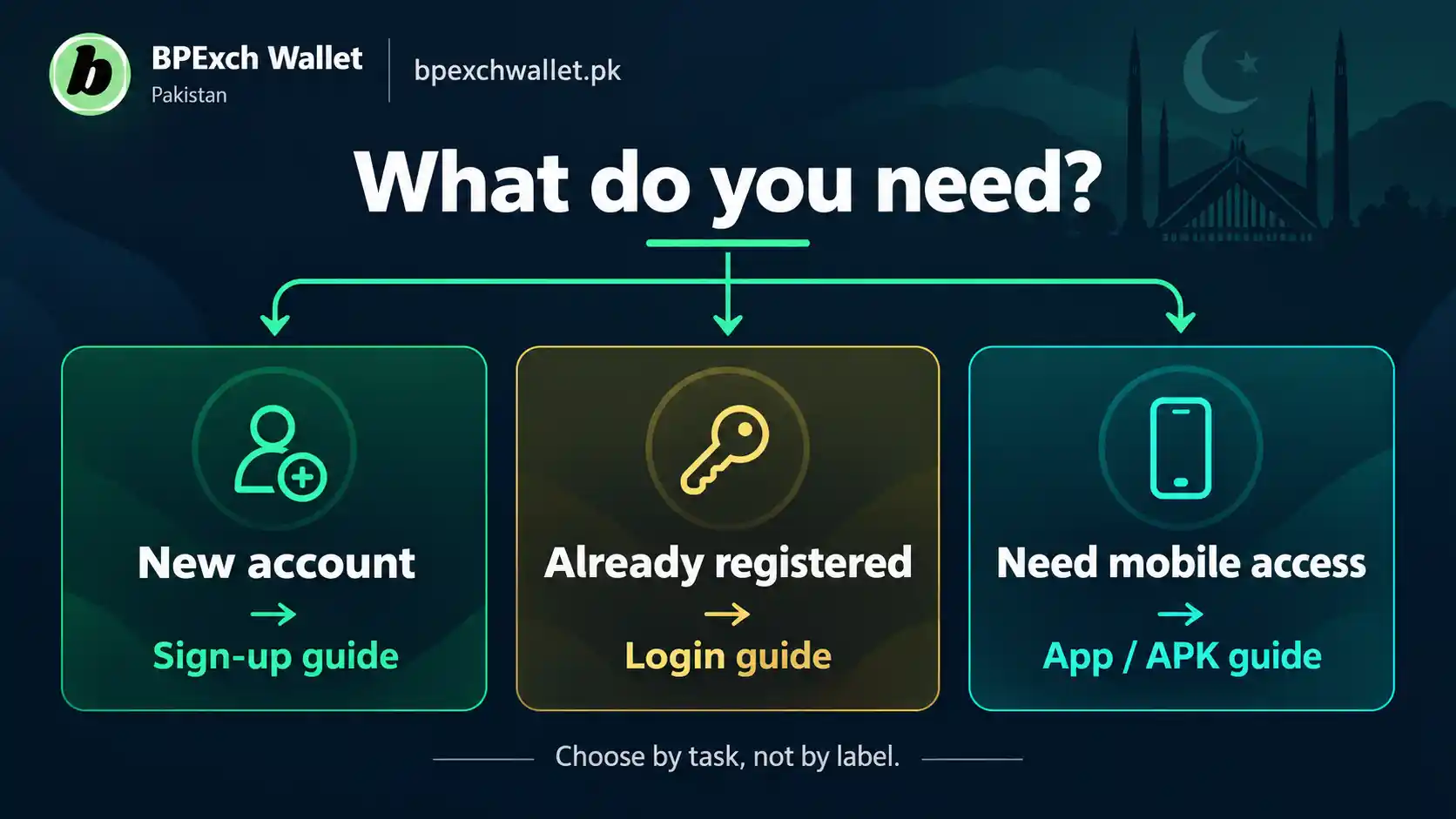
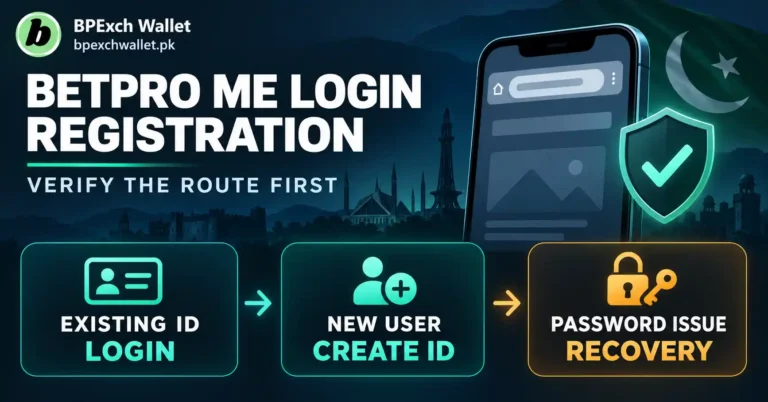
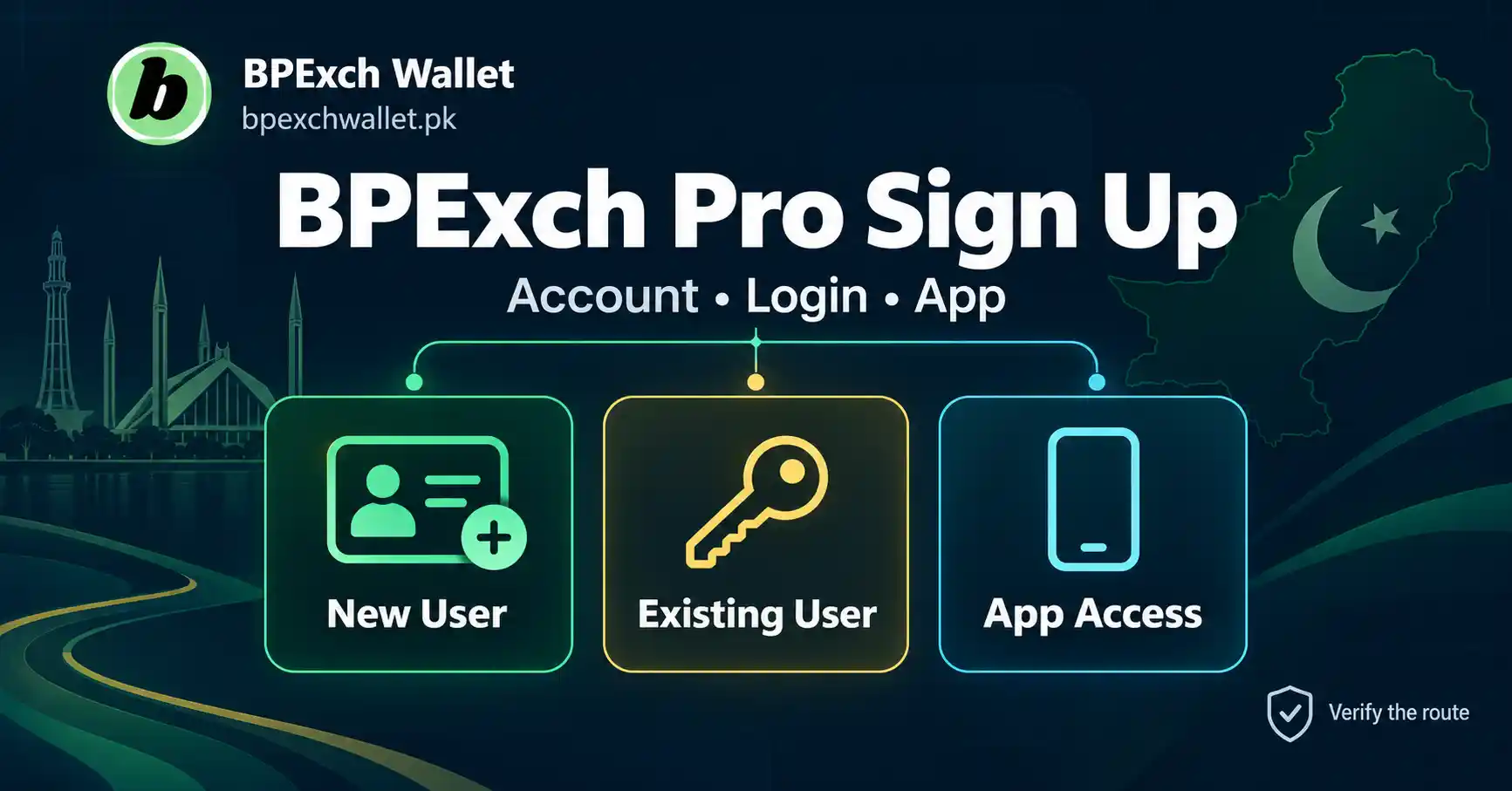
If you do not yet have a BPExch Wallet account, your task is account creation. If you already have an account and want access, your task is login. If you already have access and are looking for a mobile product, your task is app or APK guidance.
That three-way distinction prevents most of the confusion around BPExch Pro sign up. It keeps a new user on the registration path, an existing user away from duplicate signup, and an app user focused on source verification rather than account creation.
Why generic signup stays on the dedicated signup guide
This article should not replace the main signup guide. A person searching simply for BPExch Wallet registration, create account, or sign up needs one clear owner, not several competing pages. The dedicated signup guide remains the place for the normal registration process. This page is useful only when “Pro” changes the user’s question and creates uncertainty about whether they need another account, a different app, or a different route.
That separation matters for people as much as search engines. A new user should not have to read multiple articles that repeat the same form instructions. The comparison here should reduce choices, not multiply them.
What Works: BPExch Pro Sign Up Decision Guide
1. Start with your account status, not the “Pro” label
The first useful check is whether you are new or already registered. If you have never created a BPExch Wallet account, begin with the BPExch Wallet sign-up guide. If you already have an account, do not create another one merely because a page, app, or search result contains “Pro.”
Duplicate registration can create avoidable confusion around usernames, support history, account ownership, and recovery. It can also make a user more willing to submit information to an unfamiliar page because they assume a second account is required. Your existing status should control the next step.
2. Use the current BPExch Wallet registration route for a new account
The current BPExch Wallet signup guidance is straightforward. Open the current registration route from bpexchwallet.pk, enter your correct name, active phone number, email address, and password, review the details, and submit the form. Use information you can continue to access, especially your phone number and email.
Do not treat a third-party “Pro” page as a shortcut around the normal registration route. If a page claims you must use a different signup form, pay an activation amount, provide extra identity documents, or choose a special tier, verify that claim through the current site before acting. The existence of the phrase in search results is not enough.
3. If you already registered, switch from signup to login
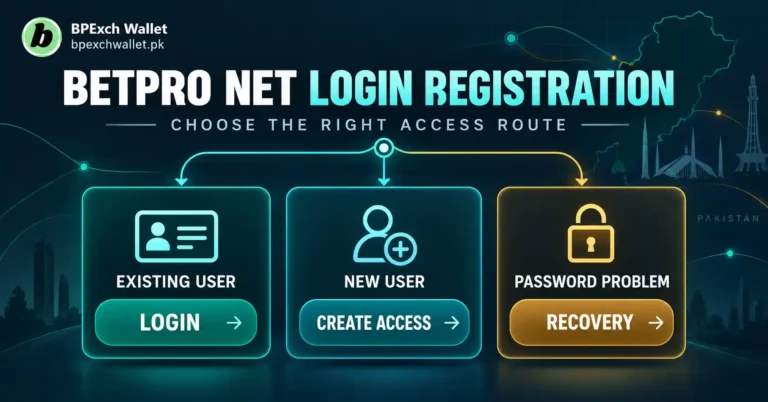
Existing users should move away from signup intent. Open the BPExch Wallet login guide and use the account-access route that the site currently provides. If login fails, treat that as an access problem rather than assuming a new Pro registration will solve it.
The action you need matters more than the label. If you already have credentials, login and recovery guidance is the correct direction.
4. Identify whether “BPEXCH PRO” is referring to an app
If the “Pro” label appears in an app listing, download page, APK filename, or message about installing software, pause the signup process. You may be looking at an app-access question rather than a registration question. The current Google Play listing describes BPEXCH PRO as a third-party wallet and account companion for registered users, which supports this possibility.
Use the BPExch App guide for the broad mobile-access explanation. If your task is specifically an Android APK, move to the APK download guide. Do not install an unfamiliar file just because its filename contains BPExch, Pro, Wallet, or another familiar word.
5. Treat app identity and account identity as separate checks
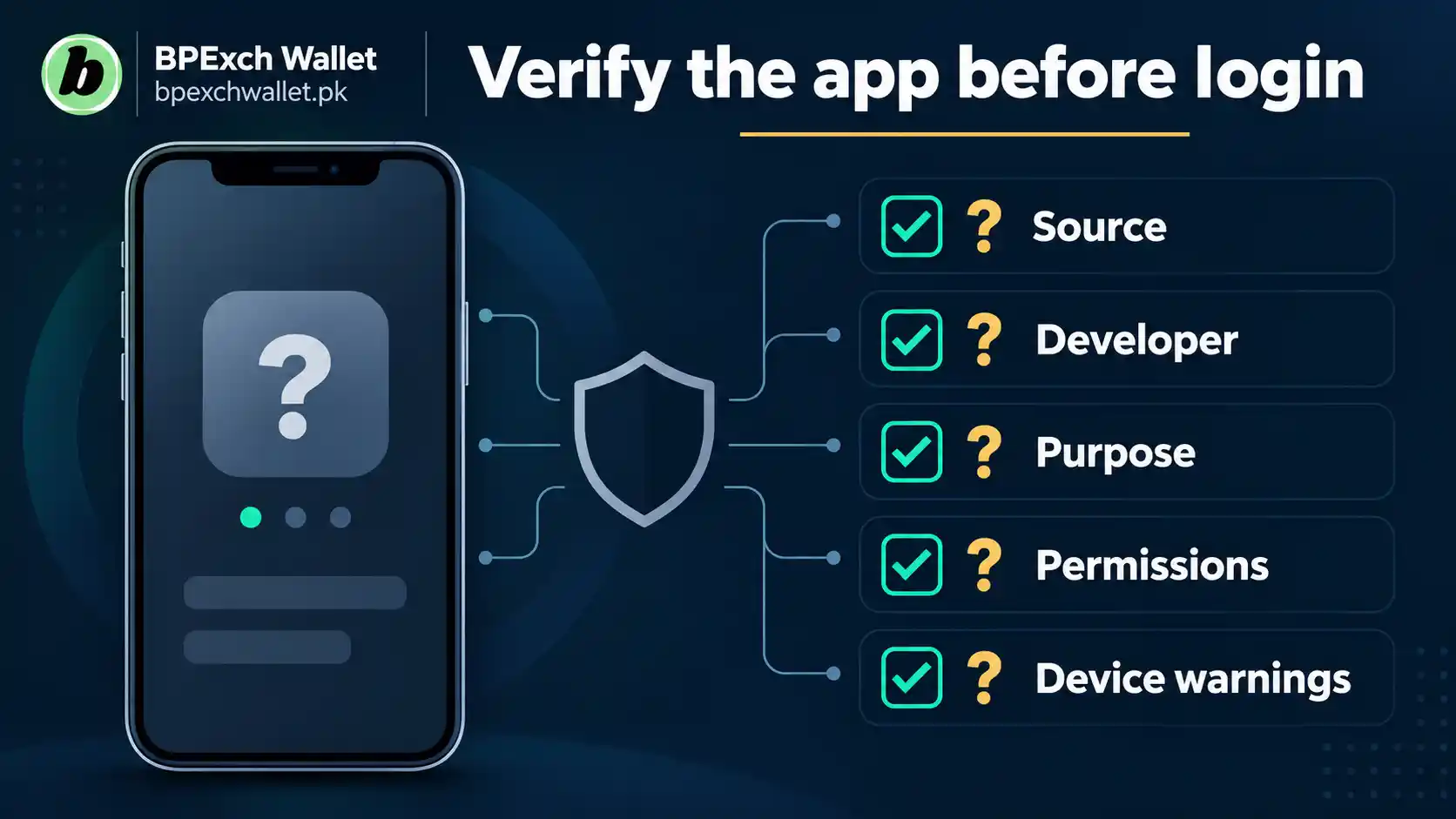
An app can display a familiar brand label without proving that it is the same thing as your account registration system. Before entering credentials into any app, check where you obtained it, what developer or publisher information is shown, what permissions it requests, whether Android displays warnings, and whether the app’s purpose matches the task you intended.
Google Play Protect can scan apps for harmful behavior and warn about potentially harmful installations. Keeping Play Protect enabled adds a useful layer, but it is not a substitute for checking the source. A polished icon or familiar name is not enough to establish trust.
6. Do not accept “Standard vs Pro” benefits as facts without verification
Several current third-party pages make strong claims about Pro accounts, including different limits, verification requirements, deposit thresholds, faster processing, or priority support. Those claims conflict across websites and are not established by the current bpexchwallet.pk signup guidance. This article therefore does not repeat them as platform facts.
If you encounter a specific Pro benefit, fee, limit, or verification rule, verify it through the current account interface or current support route before making a decision. Avoid acting on screenshots, copied comparison tables, or marketing text from a page whose relationship to your account is unclear.
7. Handle “BPExch Pro sign up online free” carefully
People may look for BPExch Pro sign up online free because they want to know whether account creation requires a separate payment. The current BPExch Wallet signup guidance does not present a special Pro activation fee in the normal registration steps. That does not justify a universal promise that every Pro-labelled service, app, or account concept is free.
The safe answer is to separate registration from payment. Use the current signup route first. Do not send money simply because an unfamiliar page says payment is needed to unlock “Pro” status. If any account-specific charge or requirement appears later, verify it through the current trusted account or support route before proceeding.
8. Keep your password, OTPs, PINs, and recovery codes private
Account creation requires information, but not every request for information is legitimate. A password belongs inside the appropriate secure account flow, not in a chat with an unknown person. OTPs, wallet PINs, banking PINs, reset codes, and recovery links should also be treated as private authentication information.
If someone sends you a signup link and then asks you to send back a code that arrived on your phone, stop. The fact that a code arrived does not prove the sender is legitimate. It may mean someone is trying to complete an action using your account or phone number.
9. Check the destination before you enter details
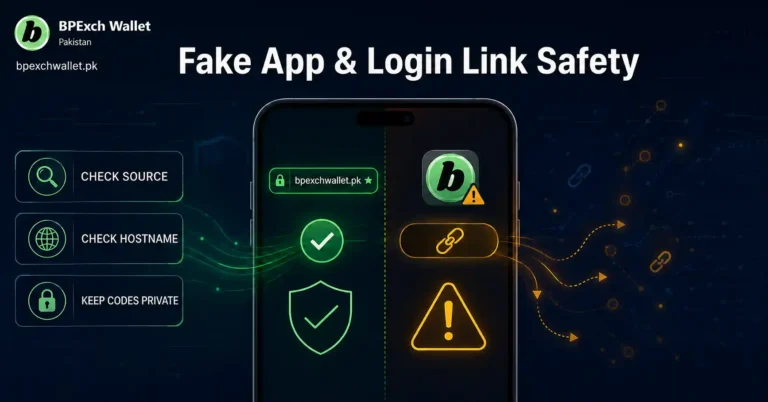
A copied page can imitate a brand name, logo, colors, and button labels. On mobile, expand the address bar and read the actual hostname before entering your name, phone, email, or password. If you reached the page through a forwarded message, ad, short link, or unfamiliar search result, compare it with the route you already know.
The easiest way to reduce this risk is to start from bpexchwallet.pk and navigate from there. Use the site’s signup, login, app, APK, and contact routes instead of trusting a link solely because it says BPExch Pro.
10. Use the app route only when the task is really app access
The phrase “bpexch pro sign up app” can mix two stages of the journey: creating an account and using a mobile app. A new user should create the account through the current signup route first. After that, the app route can be used when mobile access is actually needed.
This sequencing avoids a common mistake: installing software first and then assuming whatever form appears inside it must be the correct registration process. Start with the account route you can verify, then move to app access. For Android installation details, follow the maintained APK guide rather than a raw file shared elsewhere.
11. Do not treat “Pakistan download” wording as proof of a special local app
A phrase such as “bpexch pro sign up pakistan download” may simply combine location, signup, and download intent. It does not prove that Pakistan users need a separate Pro application, a different APK package, or a separate account. Search phrases often bundle several actions into one line.
Use the user task to split the phrase. Need an account? Use signup. Already registered and need access? Use login. Need Android software? Use the APK guide. Need general mobile information? Use the BPExch App page. This is more reliable than inventing a product structure from the wording of a query.
12. Protect screenshots and payment-related information
Support conversations sometimes involve screenshots, but screenshots can contain more information than the sender realizes. Before sharing one through a legitimate support route, check for passwords, OTPs, recovery links, phone numbers, email addresses, account references, notification previews, QR codes, or financial details that are not necessary for the issue.
Do not send banking PINs, wallet PINs, one-time codes, or complete credentials as “proof.” If a support request requires a screenshot, show only the information relevant to the problem and use the current contact route rather than an unknown account messaging you first.
13. Build a clean new-customer path
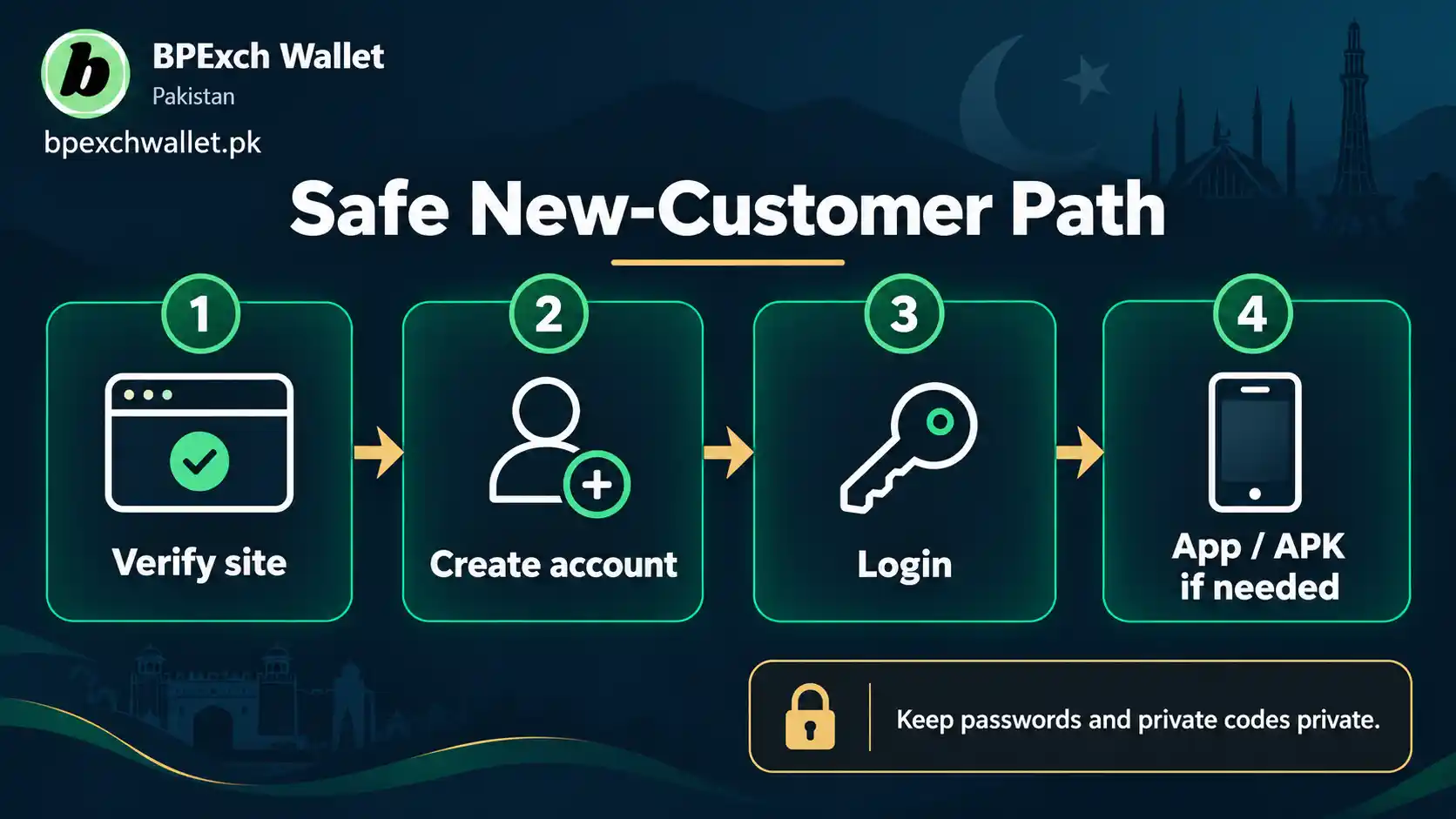
For a person who genuinely wants to join, a simple sequence is better than chasing every label. Start from the BPExch Wallet homepage. Open the signup guide. Use the current registration route. Enter accurate details. After registration, use the login guide for access and the app or APK guide only if you need mobile software.
That path also gives each page a clear job. The signup guide handles account creation. The login guide handles access. The app page handles general mobile use. The APK page handles Android installation. This Pro article only helps you decide which one to use when the label is ambiguous.
14. If the page asks for unexpected documents, stop and verify
The current signup guidance we are relying on lists name, active phone number, email address, and password for the normal BPExch Wallet registration route. If another page asks for additional documents or sensitive identity information as part of a claimed Pro process, do not assume the extra request is automatically required.
There may be legitimate situations in which a service asks for additional verification, but this article does not have reliable evidence to define a universal BPExch Pro document rule. Verify any unexpected request through the current account and support route before uploading identity documents.
15. If the page promises higher limits or faster processing, treat it as marketing until confirmed
Claims about higher withdrawal limits, faster approvals, special deposit thresholds, or priority processing can strongly influence a user who wants to join. They are also the kind of operational details that can change and that require direct evidence. Current third-party pages make inconsistent claims, so repeating a number here would create false certainty.
Use a simple rule: if a benefit affects money, verification, account status, or processing, confirm it inside the current account environment or through the current support route. Do not create or fund an account solely because an external page promises a Pro advantage.
16. Keep responsible-gaming limits separate from account marketing
Signing up is not the same as deciding how much money to risk. A label such as Pro should never be interpreted as a recommendation to deposit more, bet more often, or increase financial exposure. Real-money betting can result in losses, and no account type changes that basic risk.
Before funding any account, decide what amount you can afford to lose, avoid borrowing to gamble, and stop when betting stops being entertainment. The site’s responsible gaming page is the appropriate place for those safeguards.
17. Confirm the route again after signup
After registration, save the page or guide you used so you can return through a familiar path. On your next visit, do not assume that a new advertisement, message, or search result is a required upgrade. Open the known BPExch Wallet route first, then compare any new “Pro” destination with it.
This habit is useful for mobile users because long addresses, redirects, and app names can be easy to miss on a small screen. A saved starting point gives you something to compare. It also reduces repeated searching, which lowers the chance of choosing a copied page or unrelated app simply because it appears prominently.
Trade-offs
The safest answer to BPExch Pro sign up is less exciting than many promotional pages. It does not promise a premium tier, higher limits, faster withdrawals, special bonuses, or an exclusive app. That restraint is intentional because the available evidence does not support one stable, universal definition of “BPExch Pro.”
The trade-off is that a user may need one extra verification step. Instead of clicking the first Pro-labelled result, you identify whether you need a new account, an existing-account login, or a mobile app. That takes a little longer, but it reduces the chance of duplicate registration, credential exposure, or acting on an unsupported account claim.
There is also a tension between convenience and app discovery. A Google Play listing is easier to install than an APK from an unknown source, and Play Protect adds useful checks, but the listing currently describes BPEXCH PRO as an independent third-party companion. That means the listing itself should not be used as proof that a separate official Pro account exists.
Another trade-off is that the normal signup page and this article touch the same customer journey. The way to keep them useful is to maintain a strict boundary. Normal registration steps stay on the signup guide. This article handles the Pro label, the new-versus-existing-user decision, and the app-versus-account distinction.
Finally, account details can change over time. Forms, app descriptions, support routes, and available features may be updated after publication. The durable advice is therefore based on task identification and source verification rather than fixed claims about limits, fees, processing times, verification rules, or app versions.
Next Steps
If you are a new user, open the BPExch Wallet sign-up guide and use the current registration route linked there. Enter your name, active phone number, email, and password carefully. Review the details before submission and keep your credentials private.
If you already have an account, use the BPExch Wallet login guide instead of registering again. If you are looking for mobile access, read the BPExch App guide. If you specifically need Android installation help, use the BPExch Wallet APK guide.
If the “Pro” label appears on another website, app, message, or download, identify the destination before you enter credentials. Compare the claim with the current bpexchwallet.pk route. Be especially cautious if the page introduces a fee, special limit, document request, urgent payment, or promise that is not shown on the current account path.
Keep the sequence simple: account status first, route second, details third. That order is more useful than trying to memorize every label. A new user needs signup. An existing user needs login or recovery. An app user needs source verification and the correct mobile guide.
FAQs
Q: Is BPExch Pro sign up a separate registration process?
The current bpexchwallet.pk signup guidance does not document a separate Pro registration process. It provides one normal account-creation route. Current third-party pages make conflicting Pro claims, while a Google Play listing describes BPEXCH PRO as a third-party wallet and account companion. Do not assume a separate tier unless the current account or support route confirms it.
Q: Is BPExch Pro sign up online free?
The current signup guidance does not show a special Pro activation fee as part of the normal registration steps. However, this article does not make a universal free-signup promise for every Pro-labelled service or app. Do not pay an unfamiliar page simply to unlock “Pro” status without verifying the requirement through the current account or support route.
Q: Should I download an app before creating my account?
Not necessarily. If your goal is account creation, start with the BPExch Wallet signup route. Use the app or APK guidance when you actually need mobile software. Separating registration from installation makes it easier to verify the source and avoid mistaking an unfamiliar app form for the correct signup process.
References
This guide uses the current BPExch Wallet sign-up guide, BPExch App guide, BPExch Wallet login guide, and APK download guide as the primary sources for the site’s present routing and registration guidance.
For general Android app protection, see Google Play Protect guidance. These external sources support app-identification and device-safety context; they do not prove a separate BPExch Pro account tier.
Conclusion
If BPExch Pro sign up is your starting search because you want to become a new user, do not let the “Pro” label complicate the first step. Open the BPExch Wallet sign-up guide, follow the current registration route, use accurate account details, and protect your password.
Already registered? Skip signup and go to the BPExch Wallet login guide. Need Android access after registration? Use the maintained APK download guide. If any Pro-labelled page asks for unusual documents, an extra payment, private codes, or credentials outside the normal flow, stop and verify through the current BPExch Wallet contact page before continuing.